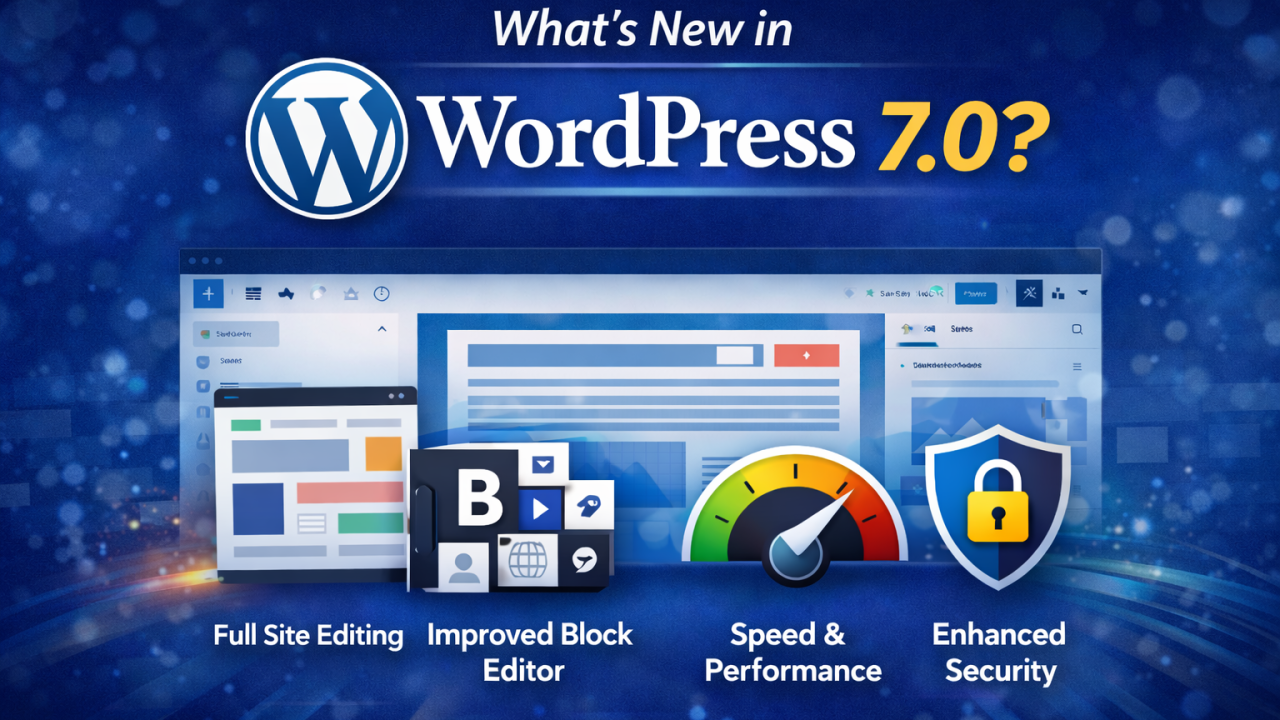
The digital landscape is shifting, and WordPress is shifting with it. Following the “stabilizer” year of 2025, WordPress 7.0 marks the ambitious start of Gutenberg Phase 3. This isn’t just a routine patch; it’s a fundamental change in how teams build and manage content together.
1. Real-Time “Google Docs” Style Collaboration
The headline feature for 7.0 is the Sync-Engine. This allows multiple users to edit a post or page simultaneously. You’ll see other editors’ cursors in real-time, effectively ending the “Post Locked” era.
- Inline Notes: Building on the foundations of 6.9, you can now leave comments on specific blocks for your team to review.
2. Native AI Infrastructure: The Abilities API
WordPress 7.0 isn’t just adding an “AI button”; it’s building a native bridge for AI.
- Abilities API: This allows plugins to “tell” AI models what they can do (e.g., “I can optimize this image”).
- Web Client AI API: A central hub to securely store your AI credentials and use your preferred models (ChatGPT, Claude, etc.) directly within the Block Editor for content suggestions and summaries.
3. The Modern Admin Redesign (DataViews)
The “WP List Tables” we’ve used for a decade are being replaced. The new DataViews interface provides a modern, app-like experience for managing posts and pages.
- Flexibility: Switch between table, grid, and list views without refreshing the page.
- Fluid Transitions: Moving between the dashboard and the editor now feels like a seamless app experience rather than a series of hard reloads.
4. Advanced Block & Design Tools
- Responsive Editing Mode: You now have direct control to hide or show specific blocks based on the user’s device (Mobile vs. Desktop).
- Video Backgrounds: The Cover block now natively supports video embed backgrounds for more immersive designs.
- New Blocks: Look out for the dedicated Breadcrumbs, Icons, and Tabs blocks finally making their way into core.
5. Performance & Technical Requirements
- PHP 7.4 Minimum: Support for PHP 7.2 and 7.3 has officially ended. To run WordPress 7.0, you must be on at least PHP 7.4, though PHP 8.3 is highly recommended for the best performance.
- Improved Core Web Vitals: Refined lazy loading and optimized database queries ensure your site stays fast for SEO.